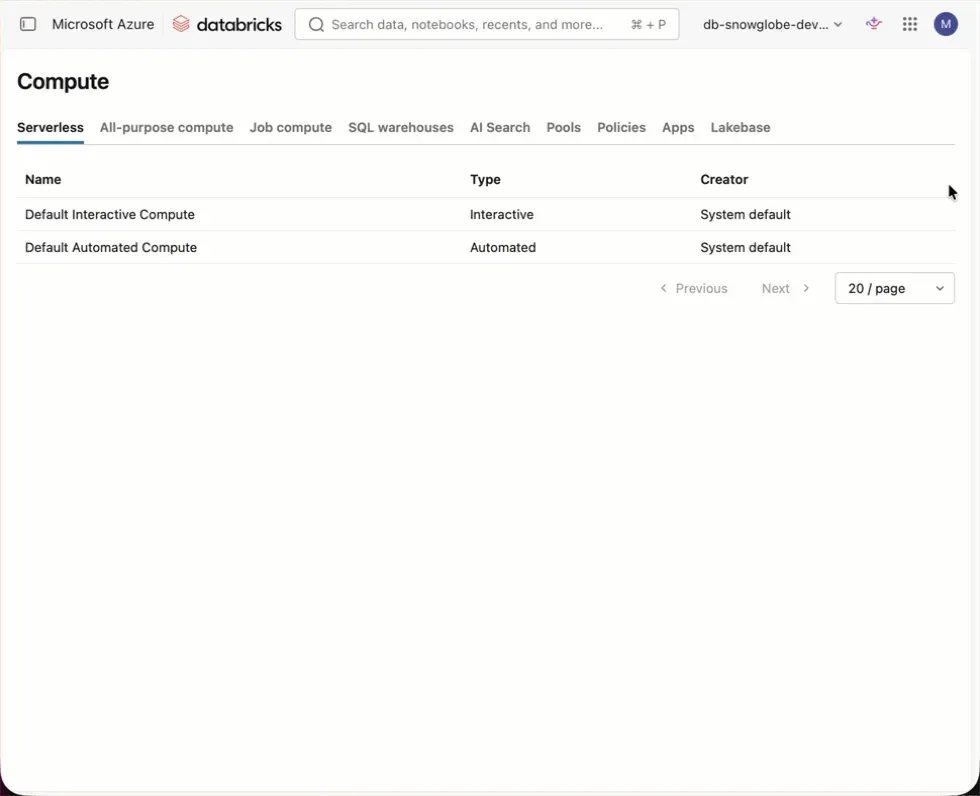
This is the one feature I’ve been waiting for ever since interactive serverless was introduced in Databricks.
Over the past year, I got more calls than I can count from people claiming their code wasn’t running properly. They swear it ran yesterday. Most of the time, it turned out they’d accidentally run their code on serverless, which wasn’t properly configured in their organization for several reasons (e.g. missing network configuration for serverless in private networks). Switching to a classic compute cluster they used yesterday solved the problem, but many people had already sunk a lot of time into it. The usual question was: “Can’t we turn off serverless at all if it doesn’t work for us?” The answer was always: “No”.
That changed recently with the newly introduced serverless compute access control. Now you can remove the permission to use serverless — controlled separately for interactive and automated compute — from all users, and grant it only to selected groups.
This will save a lot of time and frustration for many users.