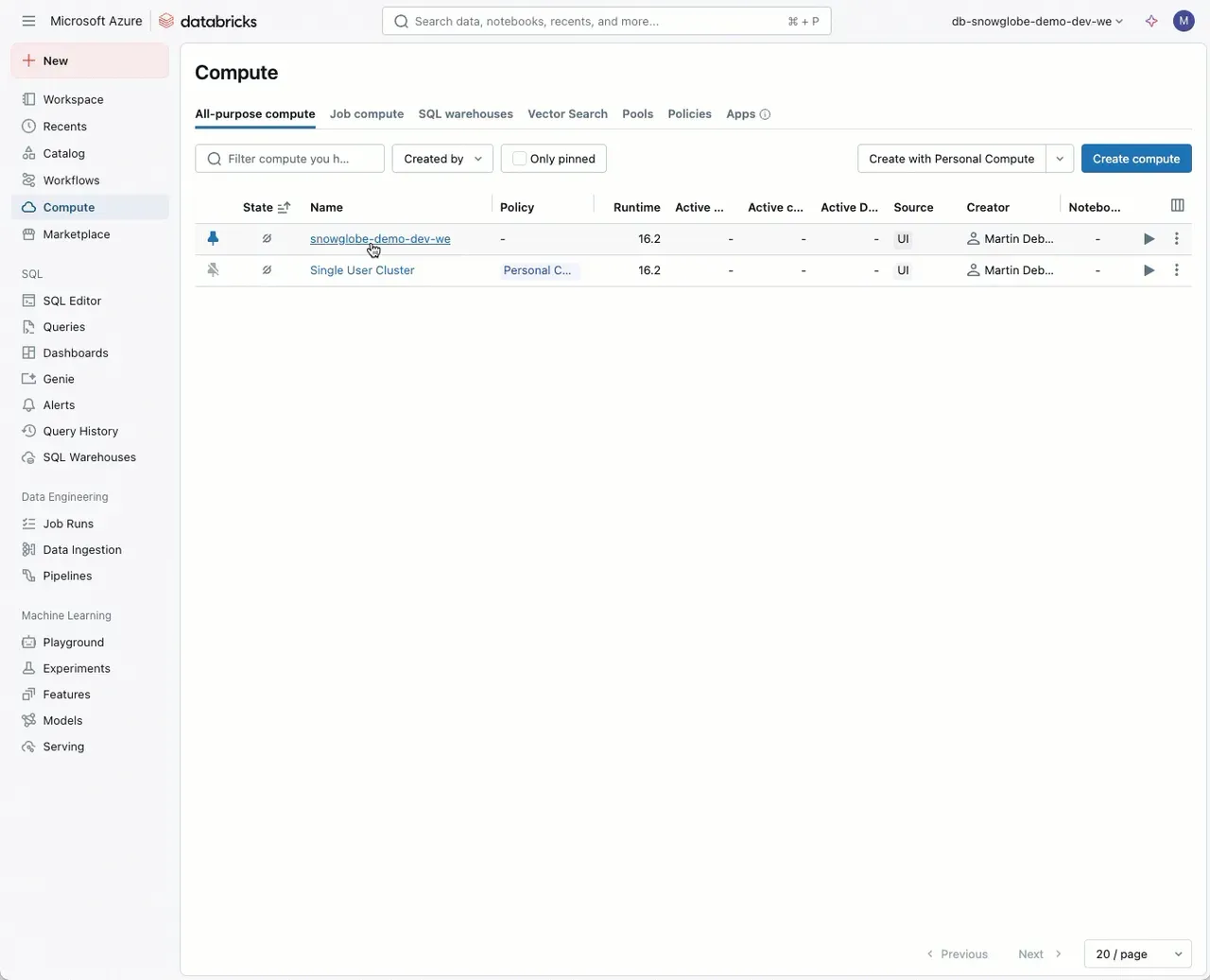
Cluster Logs can be stored in Volumes in Databricks. Here is how:
In Databricks, there is a new Feature in Preview that allows you to store the cluster logs in a Volume of your choice.
- Edit your cluster and go the “Advanced” section.
- Go to the “logging” tab.
- Choose “Volume” and select your volume path to store the logs to.
- Start your cluster and after approximately five minutes the cluster logs will be written to a directory named after the cluster id.
This is very helpful if you want to keep all cluster logs in one place as an Admin. This allows for better and faster log analysis or usage of log files in downstream processes.
Tags: Databricks, Logging
Documentation: https://learn.microsoft.com/en-us/azure/databricks/compute/configure#cluster-log-delivery