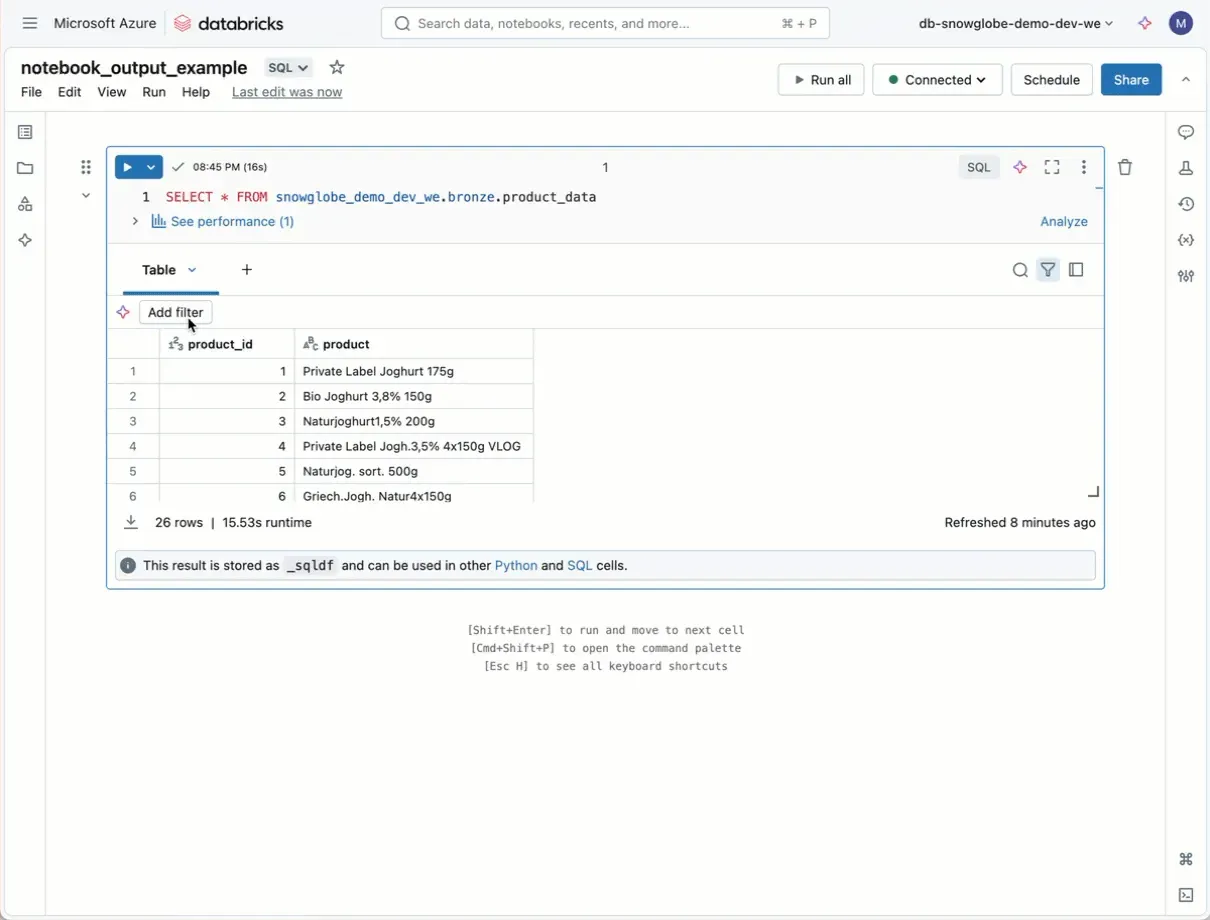
It’s easier than ever to interact with notebook outputs in Databricks.
Databricks recently released some notebook output improvements (link in the comments). You can now:
- Is one of / not one of filtering: Select multiple values to filter a column.
- Result table copy as: Copy table results as Markdown—handy for ad-hoc analysis and data science (CSV and TSV are also supported).
- Download naming: The default name for downloaded data is now the notebook name.
These may not be game changers, but they’re the kind of consistent improvements I appreciate about Databricks—they enhance the notebook experience.