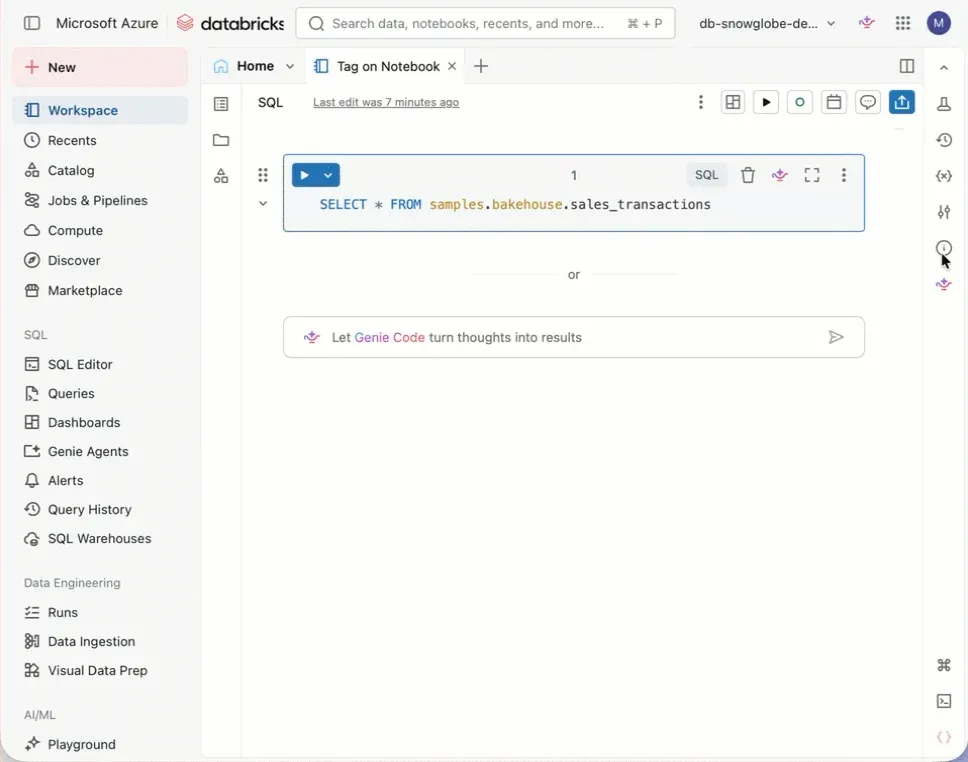
You can apply tags to notebooks in Databricks.
From Unity Catalog securable objects to jobs and pipelines and even notebooks, tags can be applied. But why would you add tags to notebooks?
Tags are a great way to group assets in Databricks. If you want to see at a glance what belongs together, this is a great way to do it. On the Discover page you can search for specific tags. And in the domain section of the Discover page everything with the same tag shows up under assets. That adds a ton of discoverability to everything in Unity Catalog and in the workspace. And you know what: Genie likes it too and will get even better at figuring out the right thing to do.