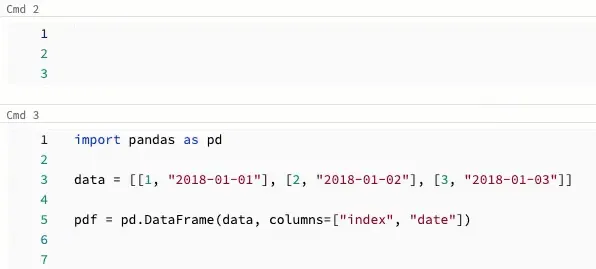
Here is a feature in Databricks Code Editor you would not expect in a Web UI:
More often than not, you end up editing something in multiple places in your code. Sure, in some cases you can refactor by Find and Replace, but there is another way: Multi-Cursor.
This is directly from the docs:
To create multiple cursors in a cell:
- On macOS, hold down the
Optionkey and click in each location to add a cursor. - On Windows, hold down the
Altkey and click in each location to add a cursor.
Were you aware of this feature and did you already use it?