I checked out the Databricks Free Edition and here are my first impressions:
During Data & AI Summit last week in San Francisco, Databricks announced a Free Edition that has almost all the features enabled as the paid versions. I gave it a quick try.
Setting up the Databricks Free Edition is straightforward and fast. It took me literally only 2 Minutes.
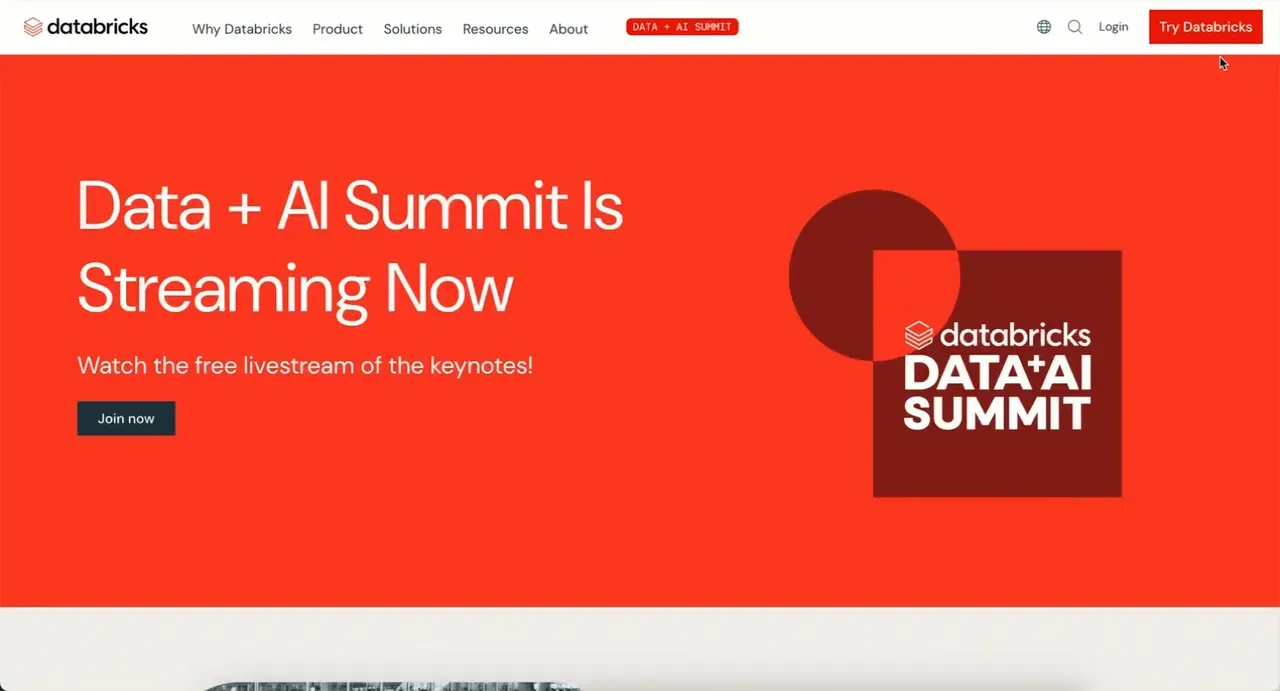
- go to the databricks website
- click on “Try Databricks”
- at the moment, the Free Edition is not very prominentely placed at the bottom - it says “Looking for Databricks Free Edition?”
- enter your email
- choose location
- the Workspace will be set up for you and you are done
My first look at the workspace revealed the following:
- the whole thing is running on AWS (at least for me here in Germany)
- it is all serverless, no other compute is available
- it comes with a default Catalog, but new Catalogs can be created
- when I tried it with an email already registered to some Workspace, I was redirected and not be able to try the Free Edition, using another email-address it worked fine
- at least one limitation besides serverless only comes with the setup: you have no access to the underlying infrastructure, which is okay if you just want to explore Databricks features
- be aware that according to the terms usage is limited to non-commercial use and you are granting Databricks a licence to use all data and code you create inside the Free Edition
In summary, I think this is a clever move from Databricks. Making this available especially for educational purposes will widen the potential user base and provides students and professionals with a realistic environment to learn analytics, AI and data engineering.
Did I miss anything?