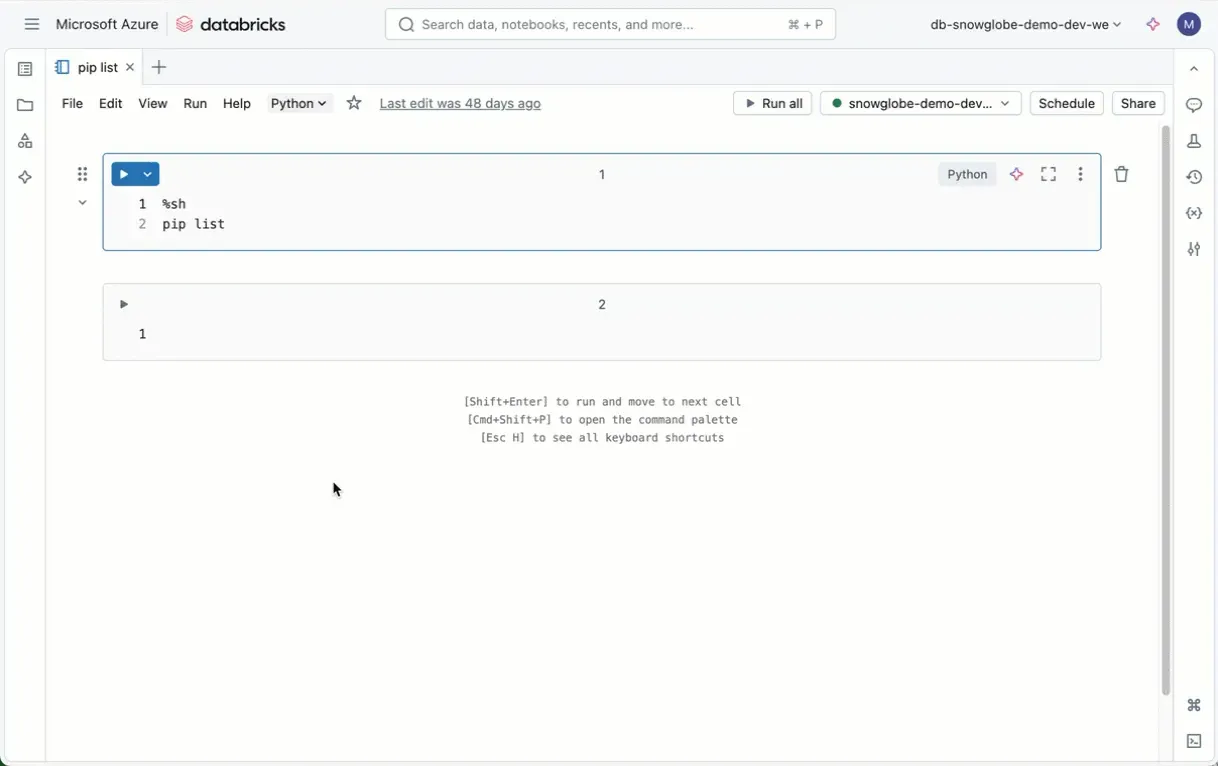
Before you install Python packages on your Databricks Cluster, do this:
Did you know that every Databricks Runtime comes with a suite of preinstalled Python libraries? Before you install additional libraries, it is worth checking what is already available out of the box. This can save you time and ensure compatibility with your existing projects.
Unfortunately, Pandas is currently only at 1.5.3 (as of Runtime 16.3), which is an older version. While it’s functional for many tasks, you might want to consider updating if you need access to newer features or bug fixes. However, I do not recommend using Pandas extensively on Databricks, but that is another story.
For a detailed list of preinstalled libraries in Runtime 16.3, check out the link in the comments. Or simply run pip list in your Databricks notebook.
By taking advantage of the preinstalled libraries, you can save cluster startup time (which includes loading and installing any packages) and avoid potential conflicts.