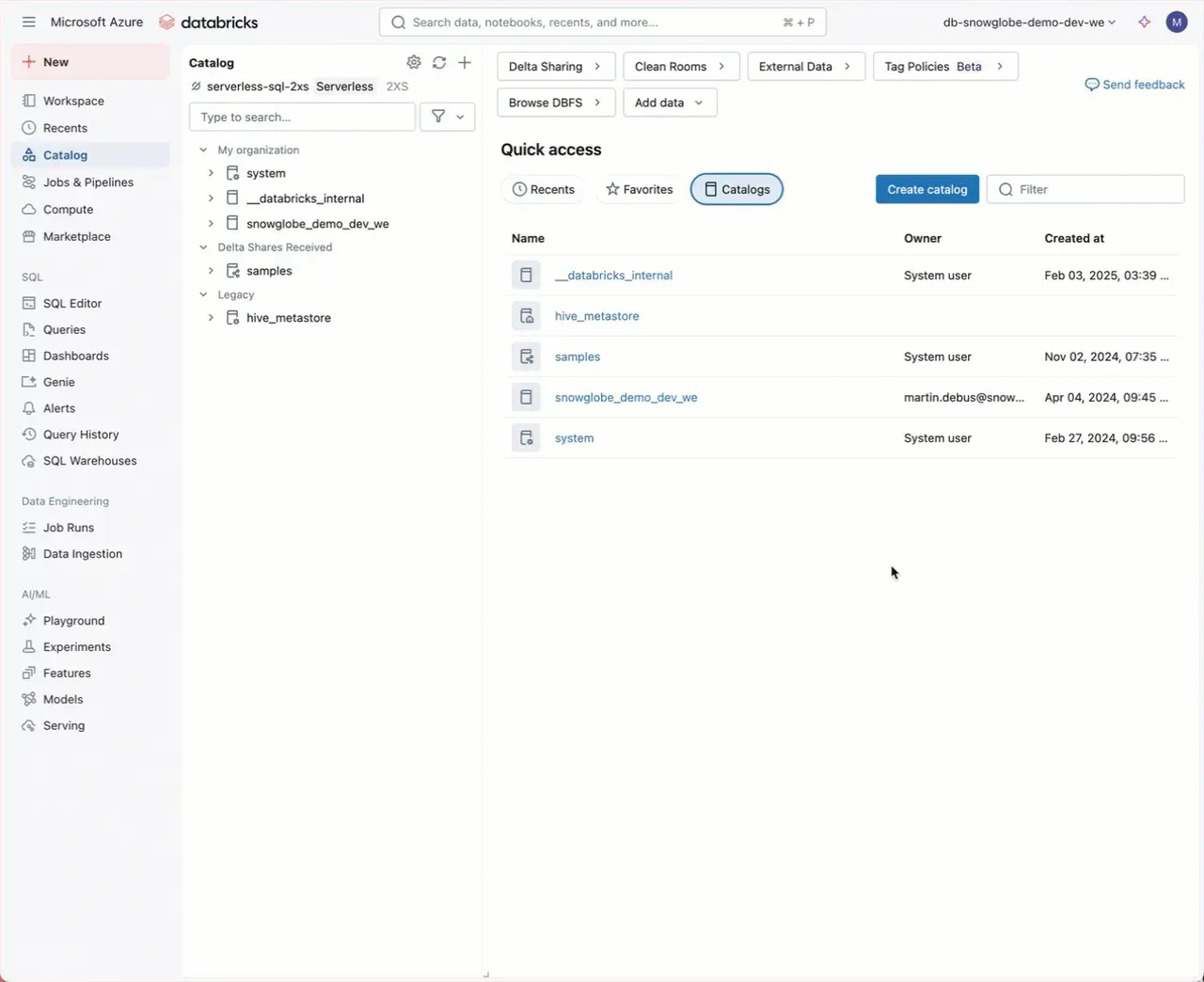
Don’t go with the default defaults. Set your own default Catalog in the Databricks Workspace:
Using Unity Catalog in Databricks? If you haven’t disabled the legacy access features as shown last week, you might still be stuck with Hive Metastore as the default Catalog in your SQL Query editor and Catalog Explorer. If you do not want to disable legacy access features, you can simply do this:
- As a Workspace Admin, go to Settings, Advanced
- In Other, set the default catalog to your preferred Catalog
- Click save
- Refresh the browser page
You also achieve this via Terraform by using the databricks_default_namespace_setting ressource.
It is nice to the most used catalog as a default in your Workspace.