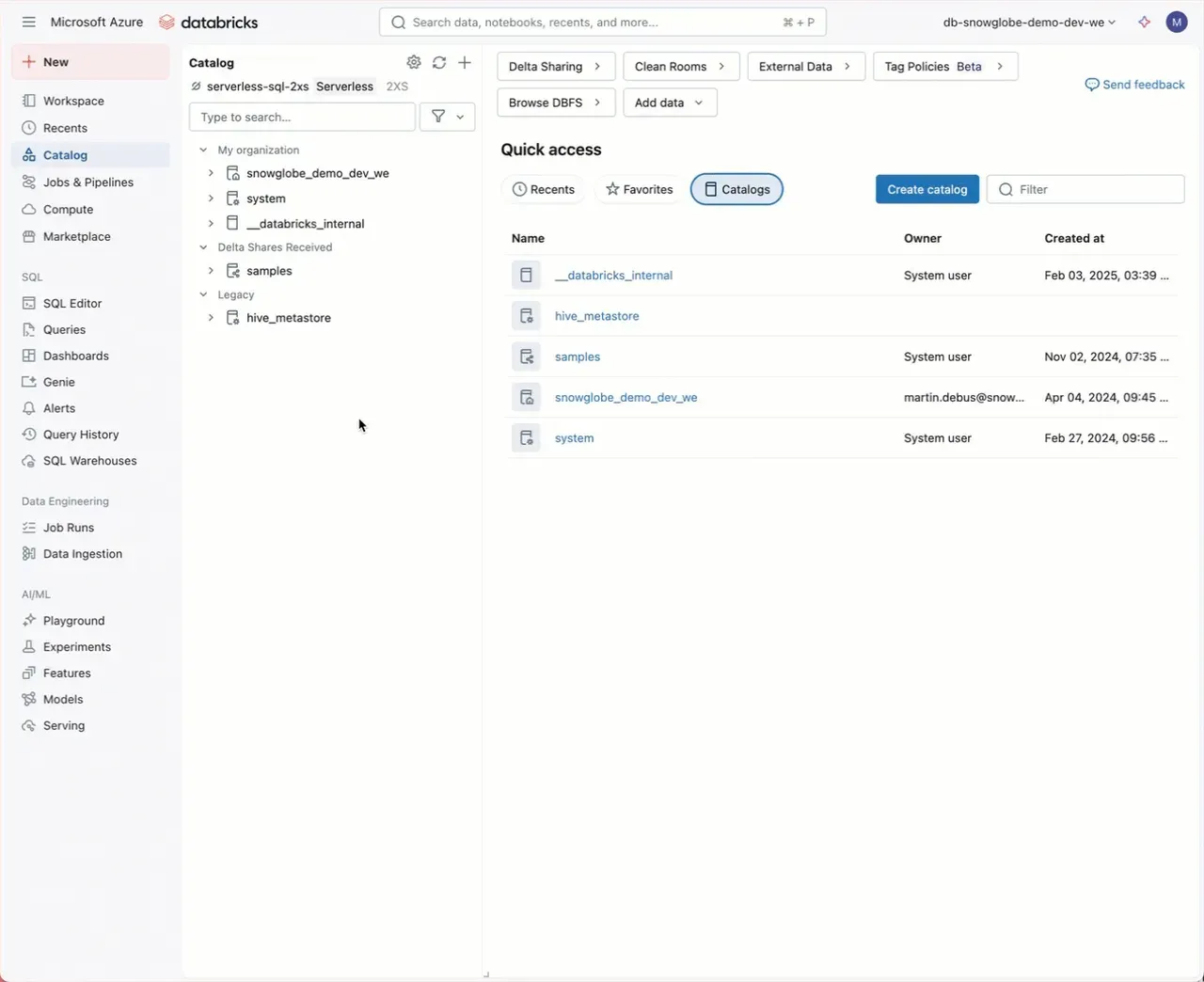
Are you using Unity Catalog in Databricks? Then disable your Hive Metastore. Here is the why and the how:
Using Unity Catalog is turning Hive Metastore obsolete. It is just an artefact hanging around and causing issues, like:
- Users unfamiliar with Databricks ask what that heck this is
- Often it is still the default catalog in the SQL query editor, which is annoying
To disable Hive Metastore:
- As a Workspace Admin, go to Settings
- go to the Security tab
- in Disable Legacy Access, select Disabled: Legacy access features cannot be used
- you are prompted to select a default catalog if Hive Metastore is still your default catalog
You can do this also via Terraform using the databricks_disable_legacy_features_setting ressource.
Note that you have to restart your Clusters and SQL Warehouses. Additionally, Databricks Runtimes prior to 13.3 LTS will be disabled, but they are ancient anyway (however, 12.2 LTS is supported until Mar 1, 2026).
Are you still using Hive Metastore? Go ahead and migrate to Unity Catalog. It will change your whole Databricks experience!