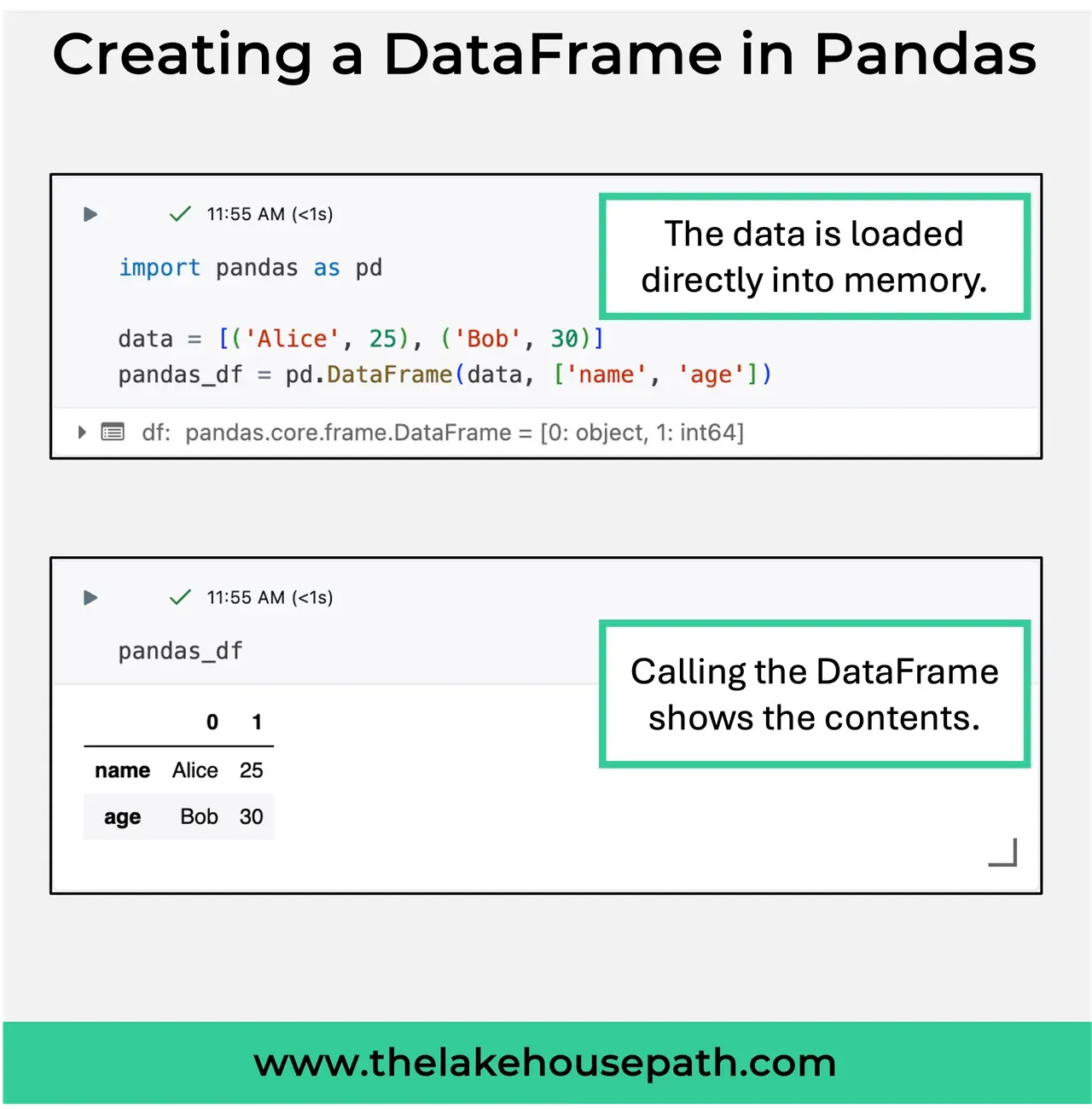
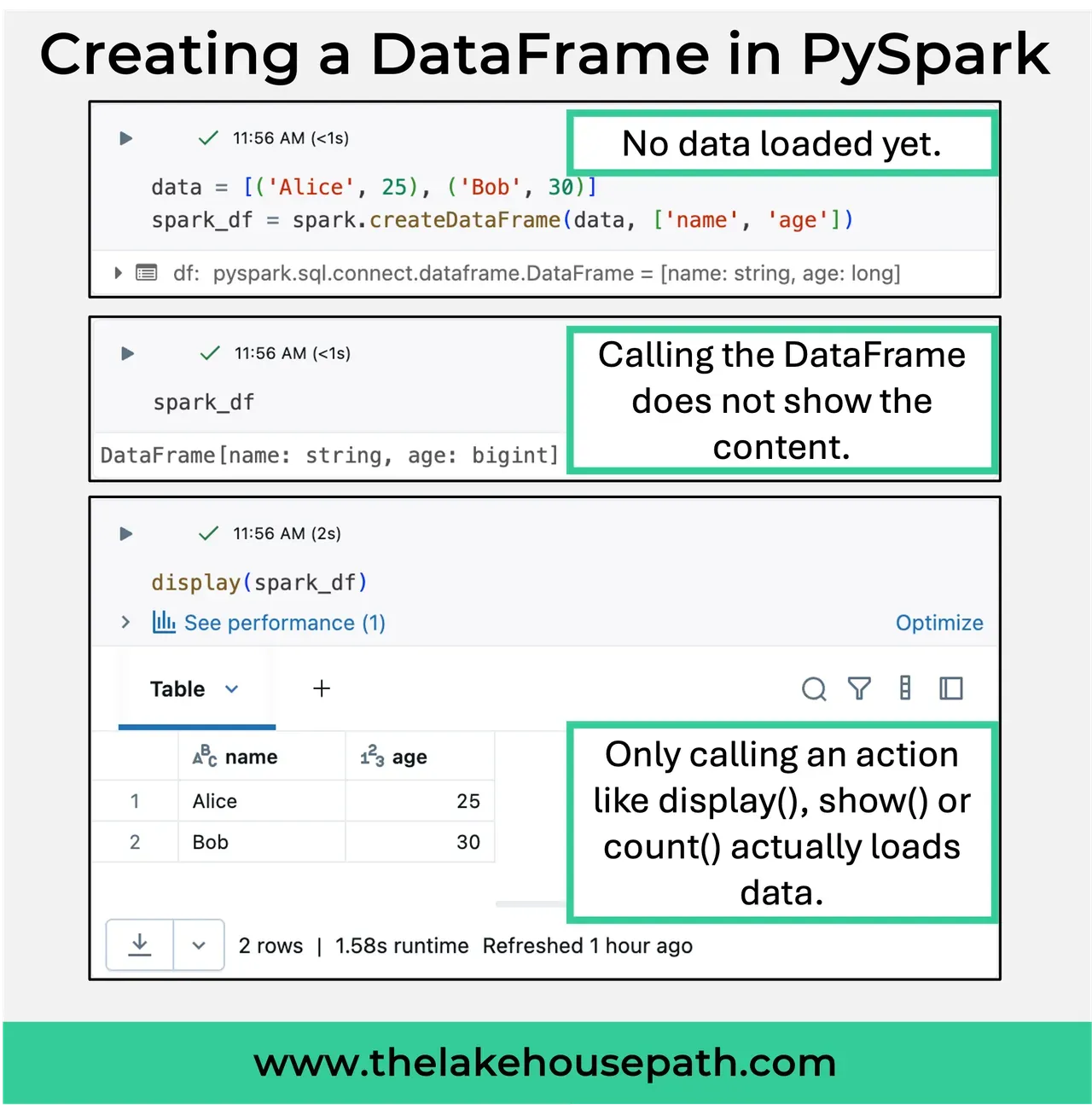
Creating a DataFrame in Pandas and PySpark may seem almost identical at first glance, but there’s a key difference.
The syntax to create a simple DataFrame in Pandas and PySpark from a dictionary of data is about 95 percent the same. However, under the hood, the processes differ significantly.
Pandas eagerly holds the DataFrame and all its data in memory. In contrast, PySpark only creates an execution plan detailing all the operations needed to achieve the desired outcome. This plan is refined and executed only when an action is called, such as using .show() or display(df) in Databricks. This is when Spark springs into action.
This approach is why PySpark handles even complex transformations so swiftly, right up until an action is triggered, like writing results to a table in Databricks. This behavior can be surprising for those accustomed to working with Pandas.