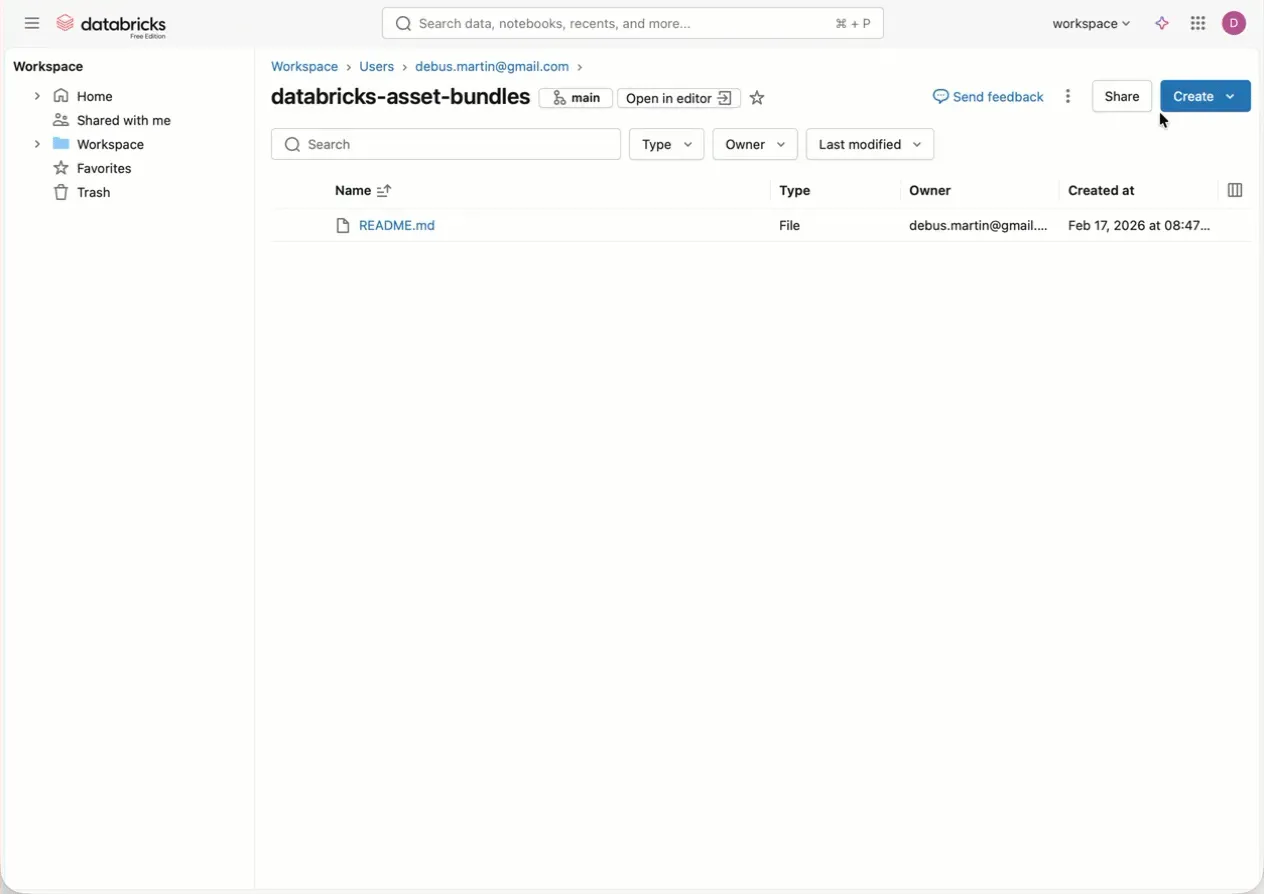
Kickstart your journey with Databricks Asset Bundles straight from the Workspace.
In the last couple of weeks I have been playing around with Databricks Asset Bundles. They have been around for some time —* originally announced at Data+AI Summit in 2023 —* but I never started using them until the start of this year.
Asset Bundles are a great way to literally bundle up your small or big Databricks project and deploy it across environments. This helps to enforce proper CI/CD practices and keep things tidy.
Your very first Asset Bundle can be created right in the Workspace UI. All you need is a repository linked to the Workspace, because Asset Bundles need to live in a repo. In the repo, by clicking Create > Asset Bundle you can choose from a variety of preconfigured example Bundles to start with. They are set up in seconds and can be deployed directly in the Workspace.
Easy as that. If you want to go further and deploy the Asset Bundle to another Workspace, you have to configure a proper CI/CD pipeline or do it manually through the Databricks CLI in VS Code or Cursor.
Happy exploration of Databricks Asset Bundles!
- intentional and manually set em-dashes, no AI was around when this happened :-)