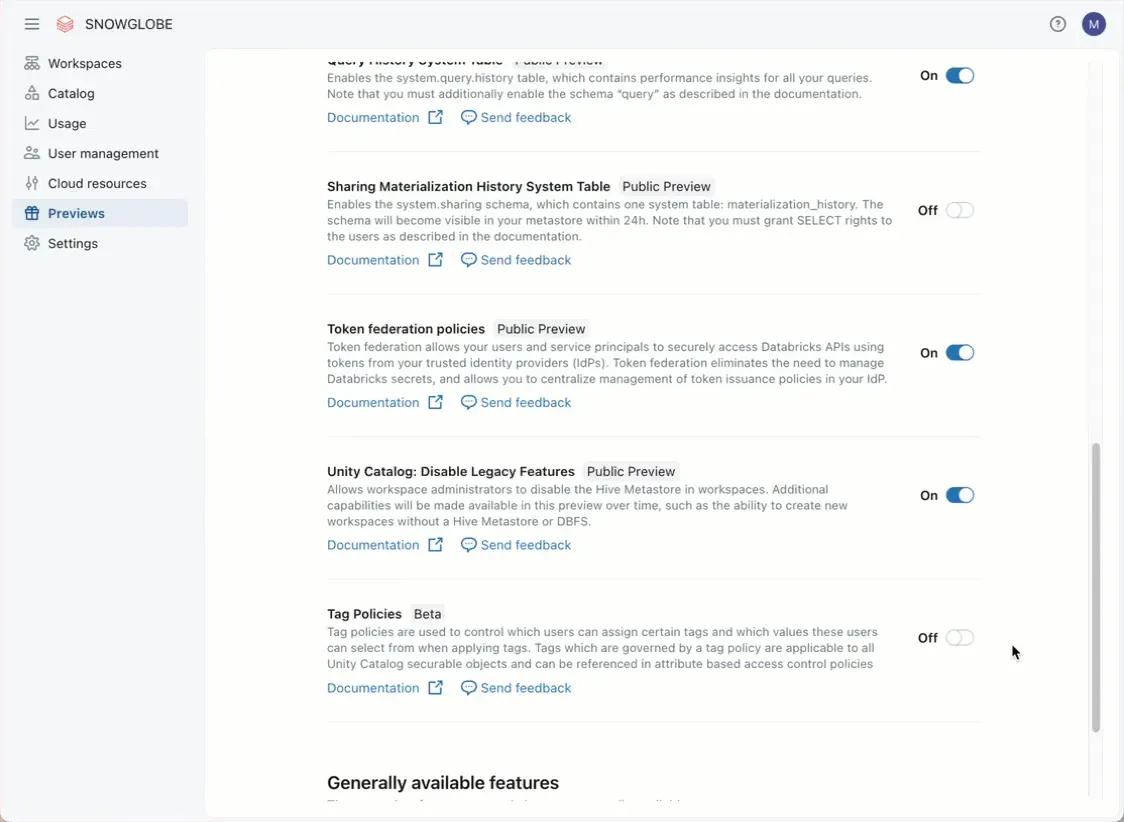
Tag Policies in Databricks are in Beta Status. I tried them out and here is what Tags are and how Tag Policies work:
Tags in Databricks have been around for quite some time. They are very helpful to label resources such as Unity Catalog Object like Tables but also Clusters and Jobs. Almost anything in Databricks can be tagged. They also appear in the System Tables and are a great Governance feature.
They come in two flavors: either as a Simple Label or as Key Value Pairs.
Up until now, there were no predefined Tags in Databrick, but you could create and reuse already existing Tags. This could lead to multiple Tags which could mean the same, like “Sales”, “sales” and “sales department” for the sales department.
With Tag Policies, you can define Tags and who is allowed to manage and assign them. The feature can be activated in the Preview Section of the Databricks Account Management. There are some predefined Tag Policies for common uses cases such as tagging columns or tables with sensitive information.
Everyone with the Apply Tag permission on the Workspace object and the permission to use the Tag can now apply or change it.
I think Tags are still an undervalued feature in Databricks and are a simple yet powerful tool for governance.