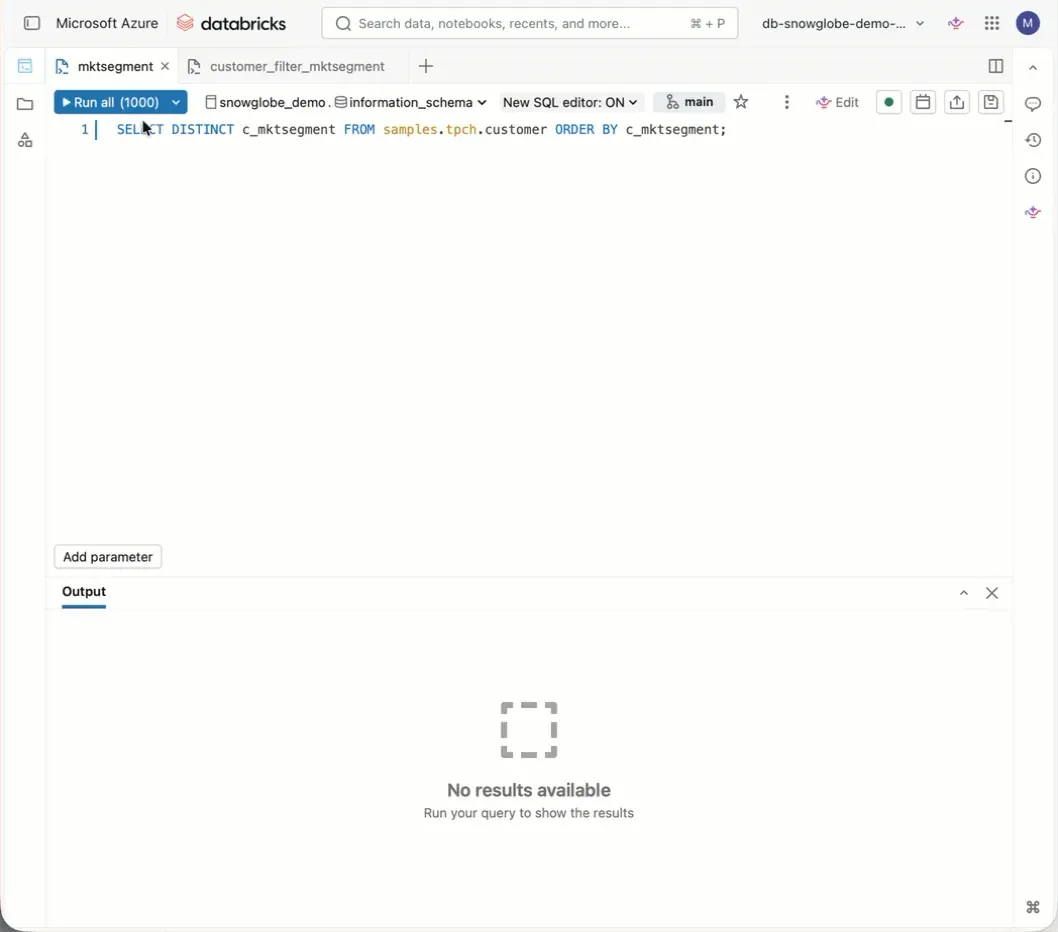
In Databricks SQL, you can use dynamic parameters with values derived from a query.
- Create a query that returns the parameter values as a result
- Create a query with a parameter
- Configure the widget and select “Dynamic dropdown” as the widget type
- Select the query, the result column to use, and a default value, then hit run
This is very useful when your parameter values depend on your data. It updates the list dynamically as values appear or disappear in the query used to create the parameter.