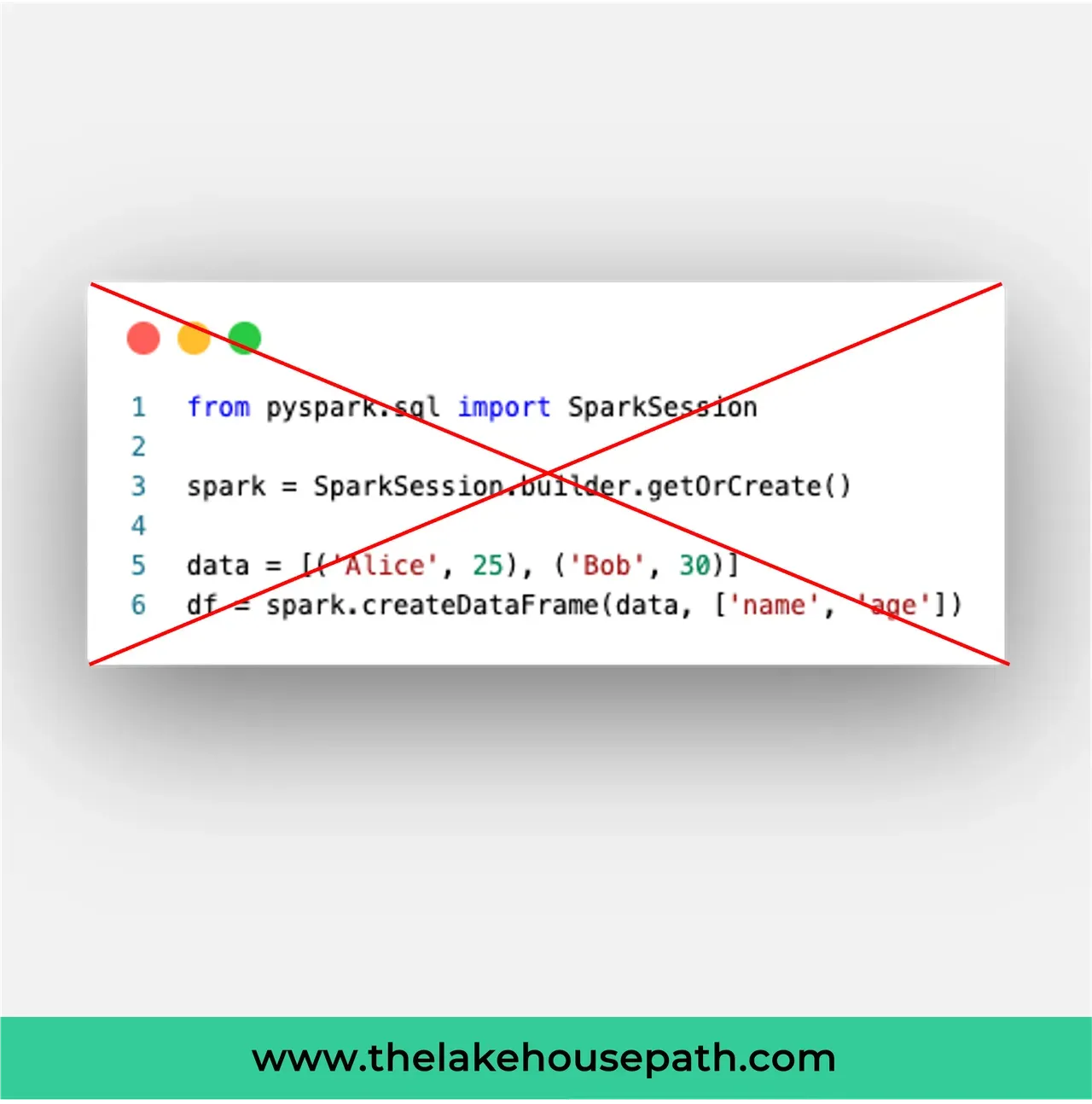
Did you know that you can easily spot whether someone is new to Databricks or has copied and pasted code from an LLM when they create a Spark Session in a Notebook?
In Databricks, whenever you run code inside a notebook, a Spark session and a Spark context are automatically created. You can access them using spark for the Spark session and sc for the Spark context. This means you can start using the Spark session immediately without any setup.
However, it’s a different story when working with custom Python libraries. In those cases, you need to create and manage the Spark session yourself.