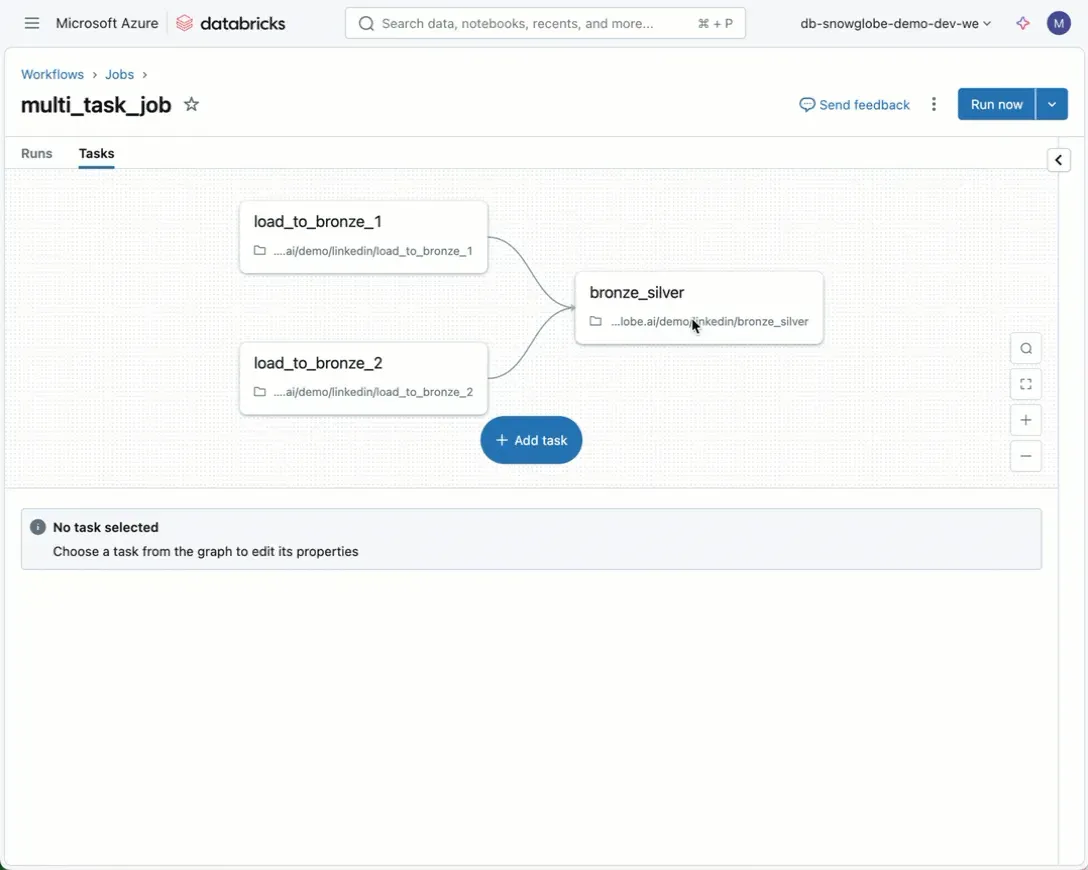
You can now run a subset of tasks from a Databricks Job:
-
Open the Task overview of your Job
-
Click the task you want to run
-
Click the play button
-
Select “Run 1 Task”
Alternatively, click the caret in the upper-right corner next to “Run now” and choose “Run now with different parameters.” This also takes you to the same screen as the play button.
This is a helpful quality-of-life feature. I started using it for testing and debugging. See the link in the first comment for the documentation.
Note: This is not the same as the repair run feature. Repair runs let you re-execute specific tasks from a previous job run, but they require that a job has already run once. Still, both features seem to rely on the same underlying functionality and look quite similar.
Link: https://learn.microsoft.com/en-us/azure/databricks/jobs/run-now#run-a-job-with-different-settings