Are you tired of copying and pasting the yml definition of your jobs to Databricks Declarative Automation Bundles?
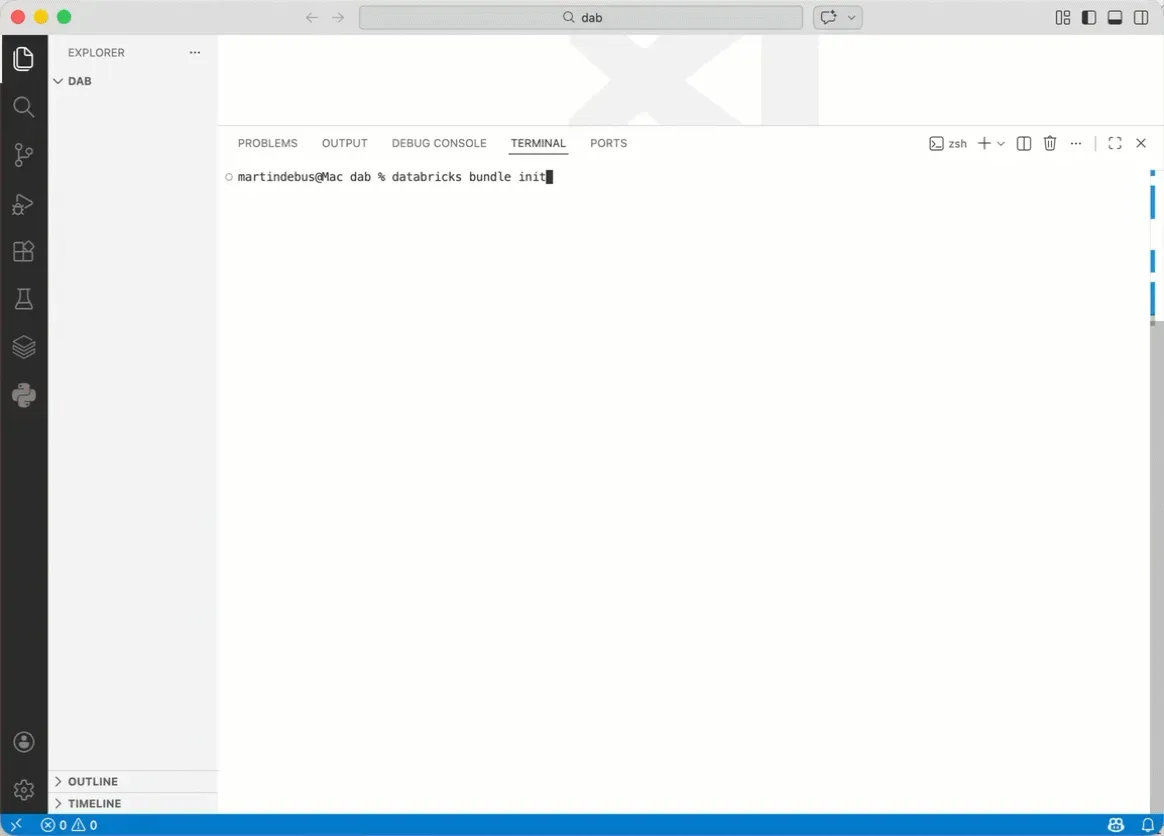
Instead, do this in the VS Code Terminal:
- go to the directory the bundle should be created in
- run
databricks bundle init - run
databricks bundle generate job --existing-job-id <job-id> --source-dir resources/ - run
databricks bundle deployment bind <resource-name> <job-id> - run
databricks bundle deploy -t <env>
The bind command is essential, because otherwise you would end up with a separate job with the same name. And probably, you don’t want that.
This can be done with other resources, too!
No excuse not to use DABs!