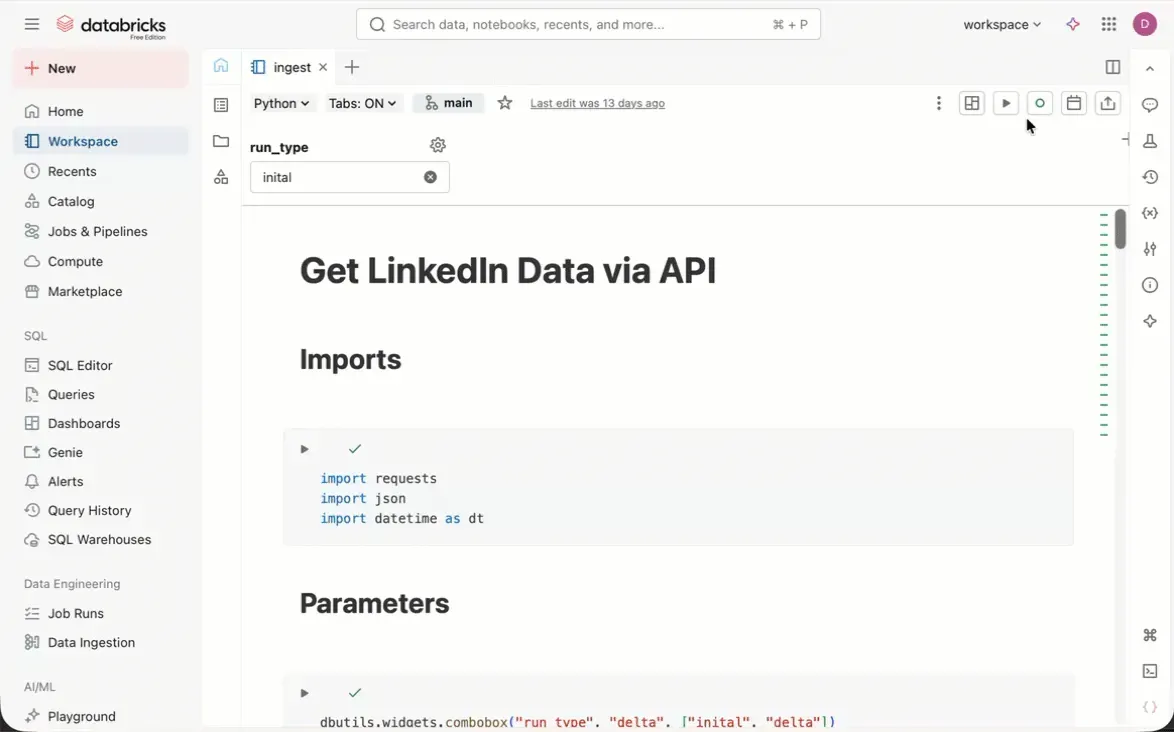
Did you know you can quickly check the results of your last successful scheduled job run directly in the Databricks notebook UI?
Here’s how:
Click “Schedule” in the upper-right of your notebook, then hover over your schedule and click “View last successful run”. You can also access it via “Version history” in the right sidebar.
The notebook view shows the latest run results in the cell outputs. You can even update your notebook to match the last run with a single click using “Update notebook with run” at the top.
This is especially useful when you want to verify what your scheduled job actually produced without navigating through the jobs interface. It keeps your workflow tight and helps you quickly validate that your scheduled runs are working as expected.
Have you used this feature yet?