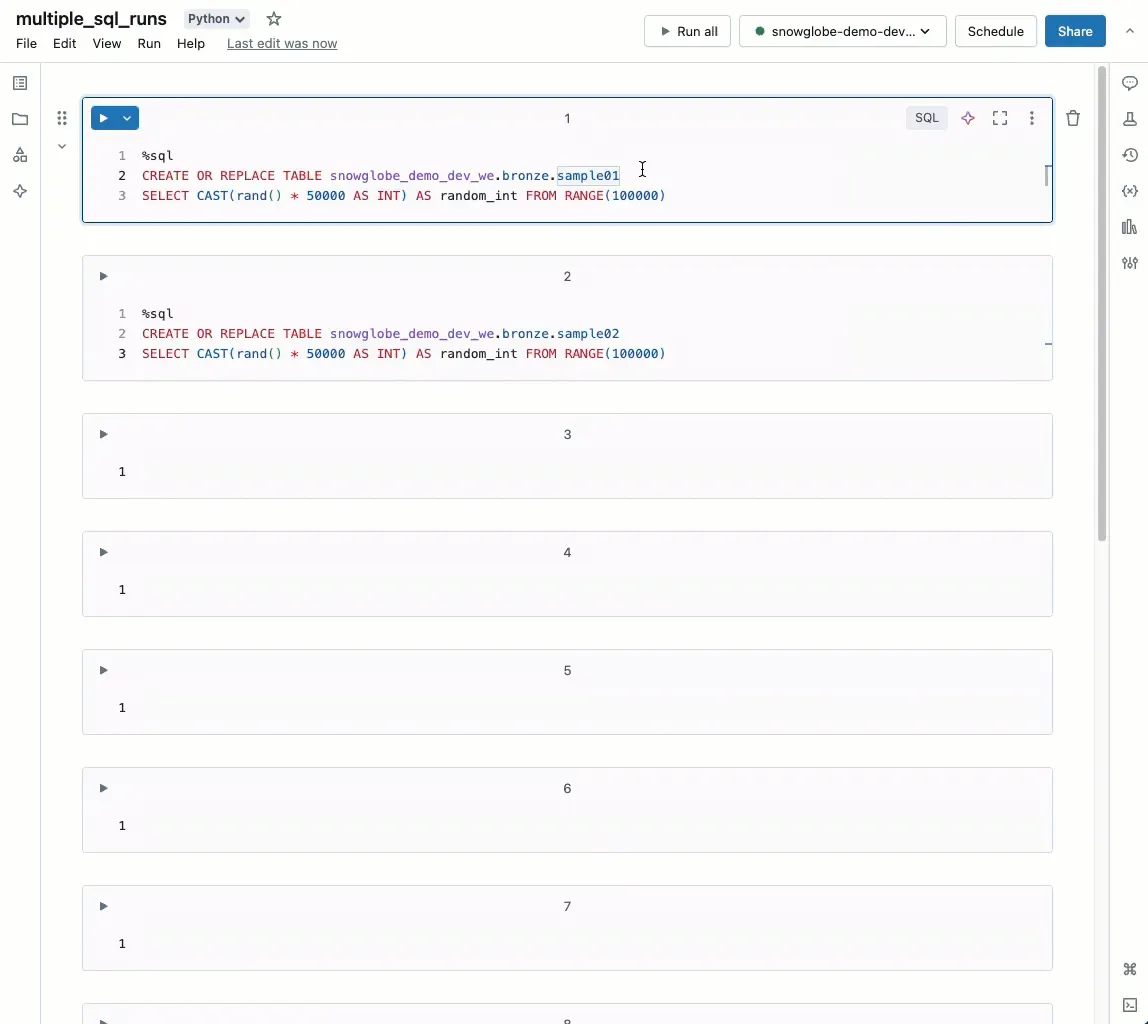
You can run SQL Queries in parallel in Notebooks on Databricks. Here is how:
Follow these simple steps to run multiple SQL queries in parallel in Databricks:
- Open your Databricks notebook.
- Write each SQL query in a separate cell.
- Press Shift + Enter for each cell.
- Click “Run Now” for all Cells preceding the first one.
Each query runs independently, that could make your work faster and more efficient, e.g. when you want to create multiple tables at once or have several SQL queries to analyse data.
Try it out today!
Credit to Hubert Dudek who inspired me to try this out. Link to his Databricks Community Post in the first comment.