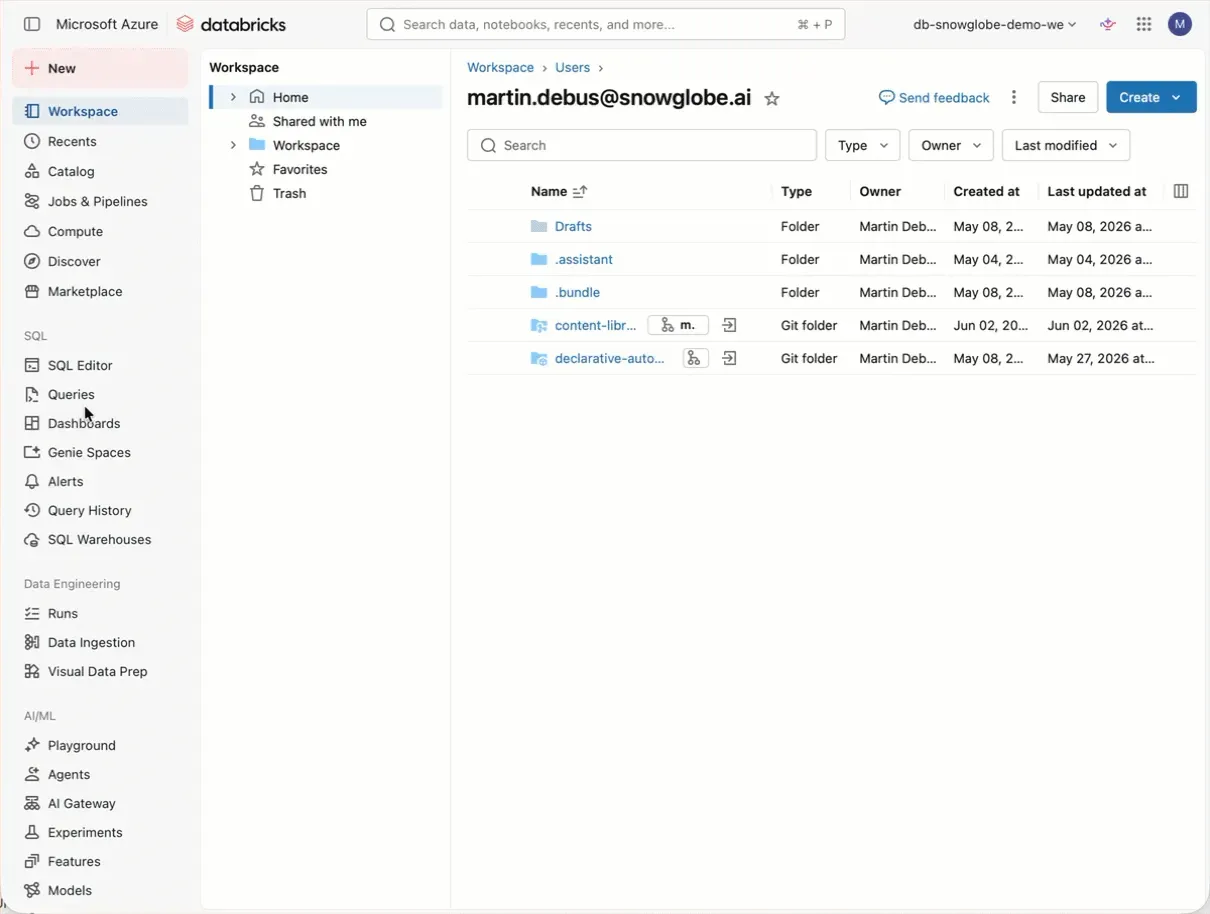
Databricks Lakeflow Designer is generally available now.
One thing I like about Databricks is that it leans more toward the code-heavy side. But to open up the platform to non-technical users, Databricks introduced Lakeflow Designer. This enables business users to transform data using a visual pipeline. I took a look under the hood:
- It creates a notebook with one cell for each operator (=node or step) from the visual data prep canvas, containing metadata like node position in a comment section
- It comes with lots of typical transformation operators like filters, joins, and aggregates that are essentially core SQL functions
- There is an AI function operator that enables users to use the SQL AI functions like ai_classify, and there is also an operator for custom Python code
- The code is readable with some restrictions due to automatic code generation; the equivalent SQL would be more straightforward
- Since it is a notebook (<notebook>.designer.ipynb), it can be added to a repo
- It runs on standard or serverless compute
- In Lakeflow Jobs, there is a new task type for visual data preps
For me, it is not the way to go because I like clean code a lot more than UI-generated code. But for business users getting started, this might lower the bar to work with Databricks.
What do you think — do we need this feature, or is it just Databricks ticking a box and moving on?