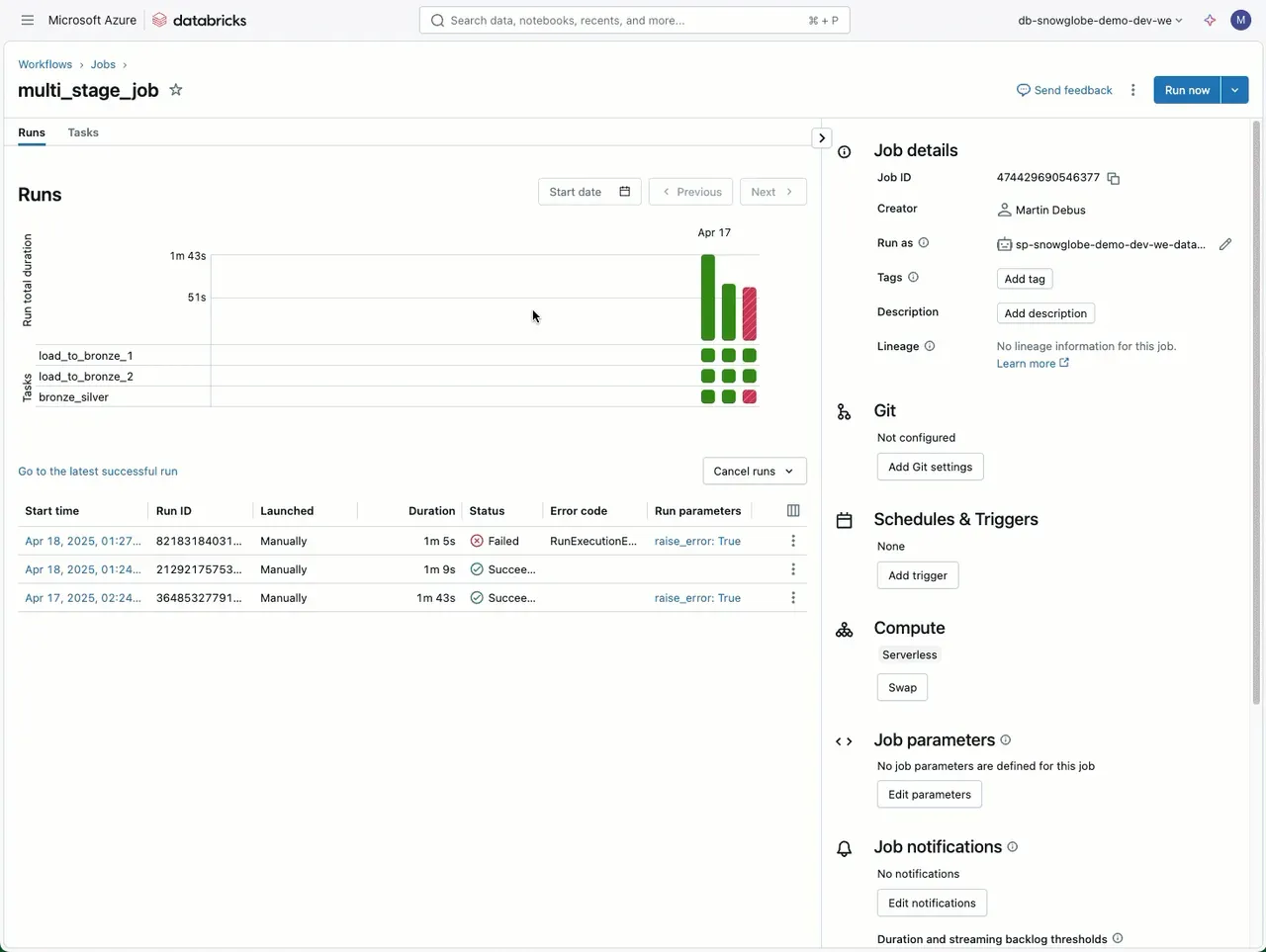
Do not start a new job run in Databricks when a job fails. Do this instead:
When a job with multiple (possibly long running) tasks fails, use the “Repair run” functionality. Go to the job run and select “Repair run”. The failed task and all subsequent tasks will be executed again. You can also manually select the tasks to rerun, even those that were successful. Even better, you can modify the parameters used for the rerun.
This feature is especially helpful if your long running job fails on the last task. If the code behind that task has been updated to fix the issue, the job will pull the latest version from the workspace or Git.
So, no need to restart the entire job after a partially failed run.
https://learn.microsoft.com/en-us/azure/databricks/jobs/repair-job-failures