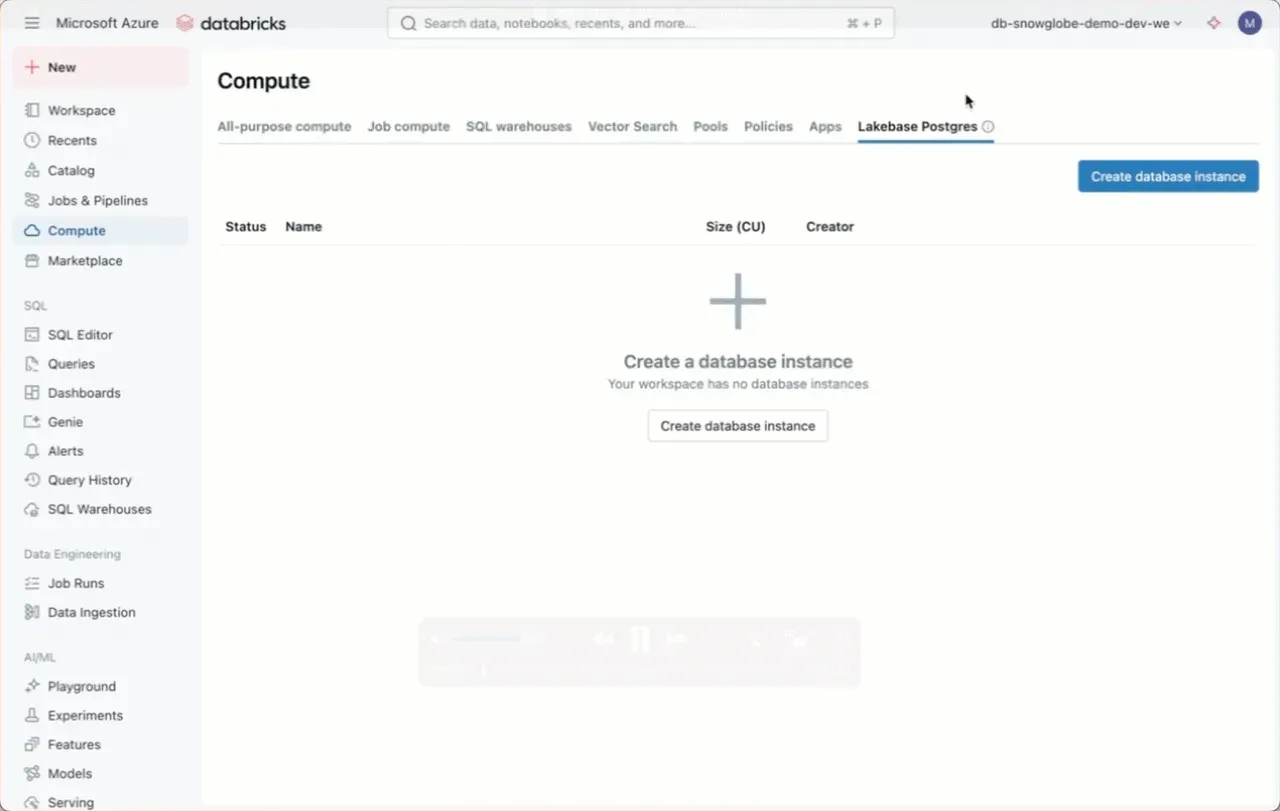
Finally, Lakebase showed up in my Azure Databricks Workspace in Azure Western Europe region.
I took a first glance with emphasis on setup and cost:
- Lakebase Postgres can be found in the compute section
- Creation via UI is straightforward and done in a minute (I used the smallest capacity unit)
- Startup time was around 2-3 minutes initially
- Interaction with the database is done through the SQL editor with the Postgres selected as compute
- The database can be stopped like a cluster, when shut down, no costs are incurred
- Running for 1 hour, I was billed 0,27€ (showing up as “Database Serverless Compute” in Azure Cost Monitor)
- Calculated from that, running a Database would cost roughly 6,50€ a day or 200€ a month
A transactional database is only valuable when it’s running and highly responsive. However, the ability to start and stop the instance via UI or API is useful for cost-sensitive organizations. It also benefits use cases that only require Lakebase for specific time periods.
Someone already tried out Lakebase with Apps?